OUR VISION
We envision a safer world for everyone and we are hoping to provide users with the peace of
mind that they can call for help anywhere they are when an emergency occurs.
OUR MISSION
To provide affordable IoT technologies and services to not only the security and healthcare community, but to everyday consumers to improve safety and well-being.
MyLifeline Mobile App
Help, Wherever You Are - Right From Your Phone
HOW IT WORKS
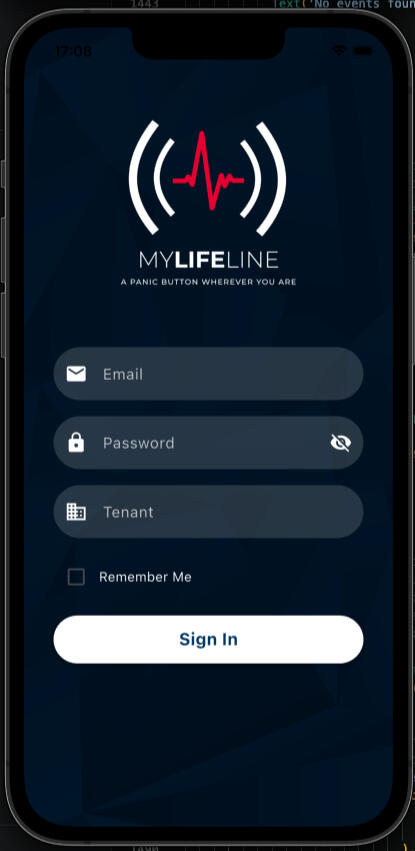
1. Download & Register
Get the app free on iOS or Android and link it to your MyLifeline account.
2. Set Up Your Shortcut
Choose how you want to trigger an alert: a tap, a button, or your voice. Our in-app step-by-step guide walks you through it — no tech experience required.
3. Add Your Emergency Contacts
Load up to 5 emergency contacts onto your profile which in the event of an emergency will send whatsapp messages to each contact including your estimated GPS location. The 5 emergency contacts will also be available as part of the workflow for the control room operator to make contact to anyone that might be be able to respond.
4. Go About Your Day
Your trigger is always ready, whether the app is open or closed.
5. Trigger an Alert
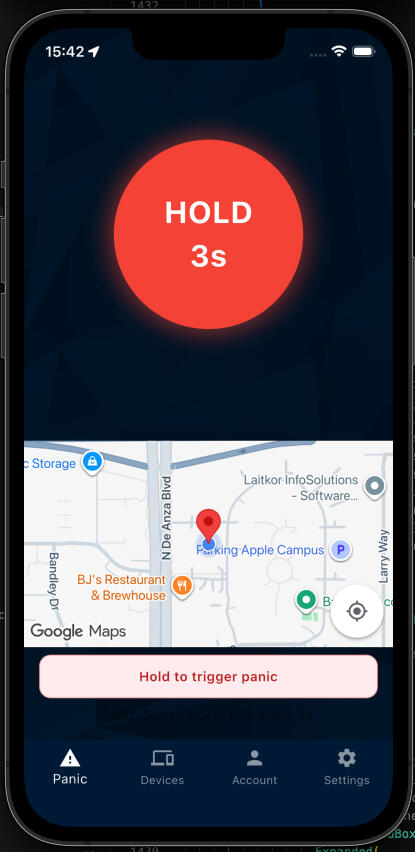
One activation immediately shares your estimated GPS location along with the panic.
6. Help Responds From Two Directions at Once
Your 5 emergency contacts each receive a WhatsApp message with your estimated location, so the people who know you best can act immediately. At the same time, our control room operators have that same contact list as part of their response workflow, ready to reach out to anyone nearby who might be able to help.
7. Stay Connected
Your location keeps updating for the duration of the alert, so everyone responding knows exactly where you are.
Features
⚡ Instant Panic Alerts
Trigger an alert the moment you need it — press and hold the panic button in the app, and your location is sent immediately.🔘 No-Phone-Unlock Shortcuts
Set up a shortcut once, and trigger an alert without even opening the app: the iPhone Action Button, Back Tap, a Home Screen button, or an Android widget — all send help instantly, even while your phone is locked.🗣️ Voice & Apple Watch Activation
Say "Hey Siri, trigger MyLifeline panic" — from your phone or your Apple Watch — for hands-free activation when you can't reach your phone.📍 Live Location Tracking
While an alert is active, your location is shared automatically at regular intervals so help knows exactly where to find you.🔄 Background Live Tracking (Optional)
Choose to share your location periodically in the background, even when the app is closed, so a trusted contact or your MyLifeline account can always see a recent position.🤝 Works With Your MyLifeline Device
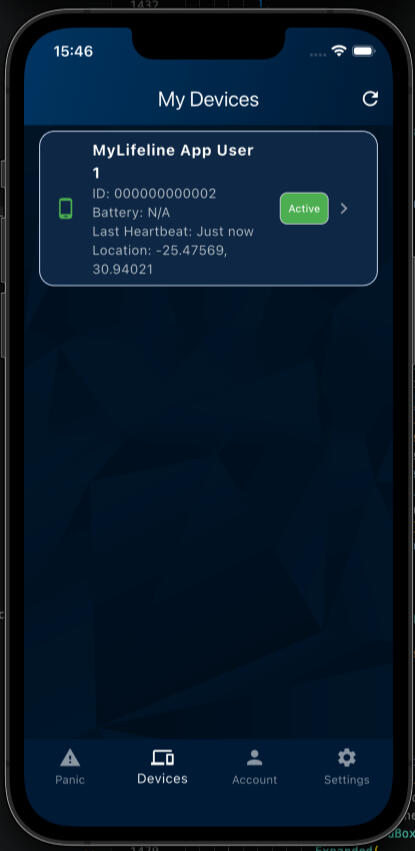
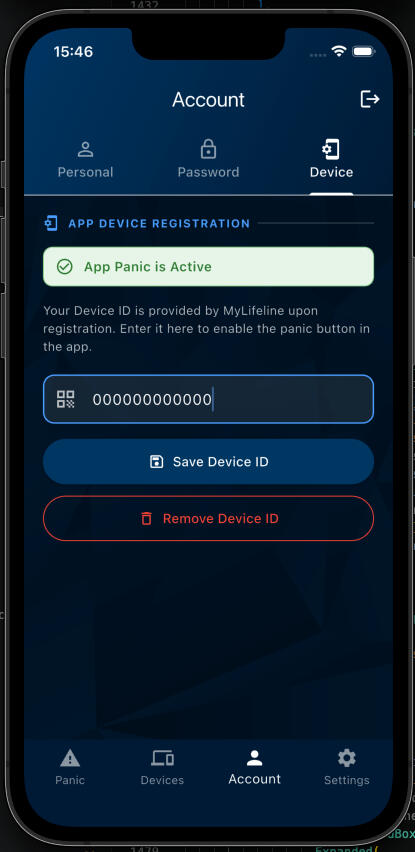
The app complements your wearable MyLifeline panic button — register your device and manage it from your phone, or use the app itself as your emergency trigger.
Accessibility Callout
Built for Everyone, Including Those Less Comfortable with Smartphones
We've written a plain-language, step-by-step setup guide directly in the app — with the easiest option requiring nothing more than tapping a button on the Home Screen. No jargon, no guesswork. Perfect for elderly users or anyone setting this up for a family member.
FAQ
Does the app work without a MyLifeline hardware device?
Yes — the app can send emergency alerts and location on its own. It also works alongside a registered MyLifeline wearable device for added coverage.Does triggering the shortcut open the app?
No — Action Button, Back Tap, Siri, and Apple Watch triggers send the alert instantly in the background, even if your phone is locked.Is my location shared all the time?
No — background location sharing is optional and off by default. You choose whether to enable it and how often it updates.
Ready for extra peace of mind?
Download MyLifeline today — free on iOS and Android.


WHO WE ARE
MyLifeline is a Cloud web based Emergency Platform founded in 2015. We have a range of panic buttons integrated into our platform. MyLifeline was the first company to provide a wearable panic device to the South African market and won the Santam Security Innovation award in 2018.